
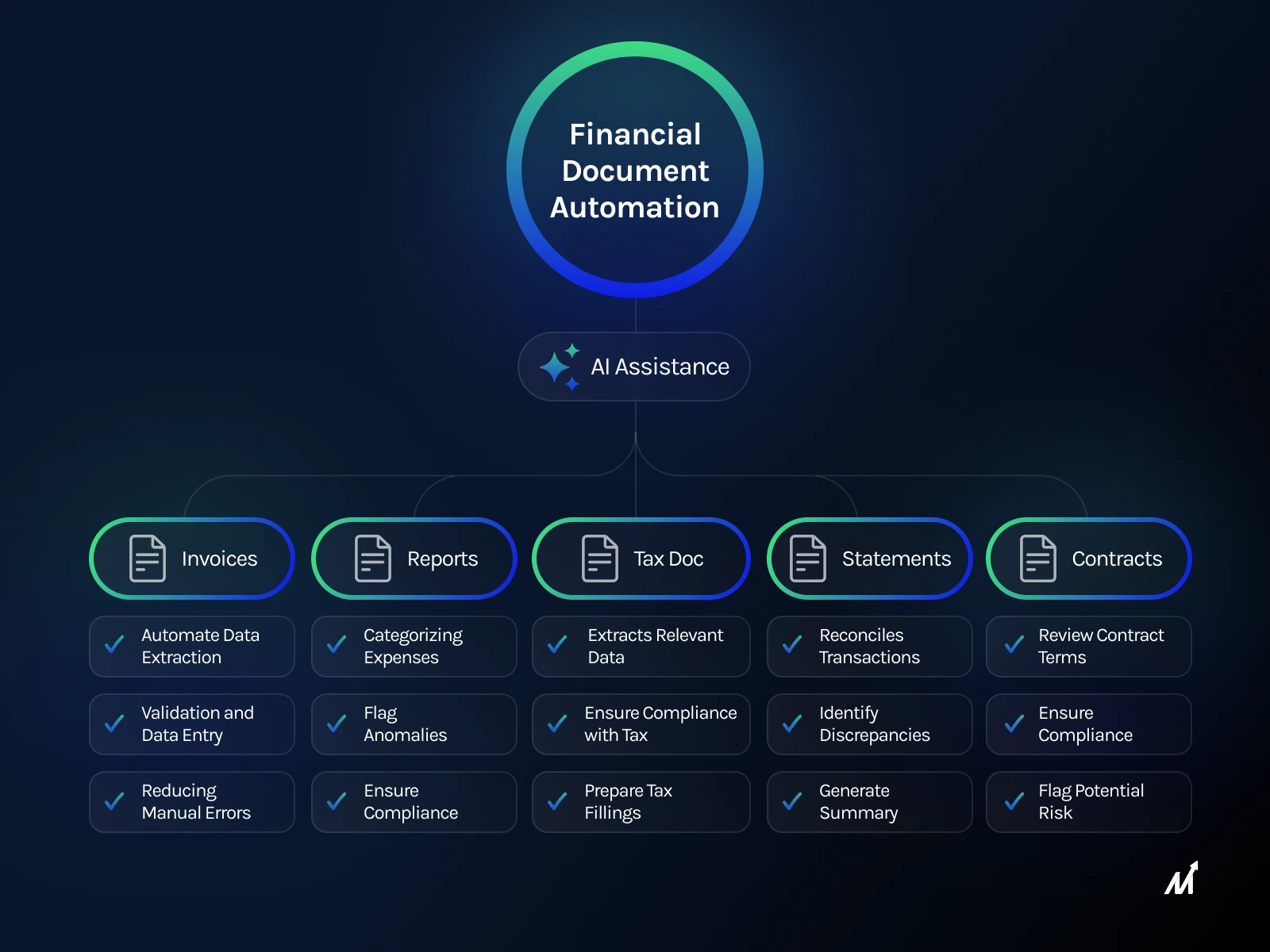
Managing invoices, payroll, and cash flow manually steals hours and invites errors. The right finance automation tools for small business can cut admin time, reduce mistakes, and give you clear financial control.
This guide shows what finance automation tools are, why they matter, and the top 10 solutions to streamline accounting, billing, expense tracking, and reporting.
What finance automation tools for small business are and why they matter
Finance automation tools automate repetitive financial tasks like invoicing, reconciliation, and expense approvals. They free humans from manual data entry and speed up processes.
For small businesses, automation means fewer errors, faster cash flow, and better decisions from real-time reports. That translates into saved time and reduced costs.
Top 10 finance automation tools — short list with pros and cons
Below are ten popular tools that cover accounting, invoicing, payroll, and expense automation. Each entry includes a quick overview, strengths, and limitations to help you choose.
1. QuickBooks Online
What it is: Cloud accounting popular with small businesses for bookkeeping, invoicing, and bank reconciliation.
Pros: Easy to use, strong reporting, lots of integrations.
Cons: Monthly fees add up; advanced features need higher tiers.
2. Xero
What it is: Cloud accounting software focused on simplicity and multi-currency support.
Pros: Clean interface, unlimited users, strong app marketplace.
Cons: Payroll support varies by country; learning curve for advanced reports.
3. FreshBooks
What it is: Invoice-first accounting tool for freelancers and small service businesses.
Pros: Excellent invoicing, time tracking, and client-focused features.
Cons: Less robust inventory and advanced accounting features.
4. Wave
What it is: Free accounting and invoicing software with optional paid services.
Pros: Low cost, simple setup, good for startups and solopreneurs.
Cons: Limited features for growing businesses; customer support can be slow.
5. Zoho Books
What it is: Part of Zoho suite offering invoicing, automation rules, and workflows.
Pros: Affordable, strong automation, integrates with Zoho apps.
Cons: Add-ons increase complexity; reporting is decent but not top-tier.
6. Bill.com
What it is: Focused on AP/AR automation for bill payments and approvals.
Pros: Automates invoice approvals, integrates with major accounting platforms.
Cons: Costly for small teams; actual payments may have fees.
7. Expensify
What it is: Expense management and receipt capture app with automation rules.
Pros: Automated receipt scanning, corporate card reconciliation, simple policies.
Cons: Pricing per active user can grow; occasional OCR errors on receipts.
8. Gusto
What it is: Payroll and HR platform built for small businesses.
Pros: Smooth payroll processing, tax filings, employee self-service.
Cons: Extra cost for HR features; limited contractor management in some regions.
9. Plaid (and banking APIs)
What it is: A connectivity layer to link bank accounts for automation and reconciliation.
Pros: Fast bank syncing, reliable data for cash flow tools and apps.
Cons: Requires integration work; privacy considerations to manage.
10. A2X
What it is: Automated posting tool designed for e-commerce sellers to post transactions accurately to accounting platforms.
Pros: Accurate e-commerce settlement mapping, saves reconciliation time.
Cons: Best for specific platforms (Amazon, Shopify); cost scales with volume.
Benefits of finance automation tools
- Save time by automating invoicing, reconciliation, and reporting.
- Reduce human errors from manual data entry.
- Improve cash flow with faster invoicing and payment reminders.
- Gain real-time financial visibility for better decisions.
- Standardize approvals and enforce policy compliance.
Comparison table
| Tool | Best for | Key automation | Starting price (approx.) |
|---|---|---|---|
| QuickBooks Online | General small business | Bookkeeping, invoices, reconciliation | $25/mo |
| Xero | Growing SMBs | Multi-currency, bank feeds, invoicing | $13/mo |
| FreshBooks | Service businesses | Invoicing, time tracking | $15/mo |
| Wave | Freelancers/startups | Invoicing, receipts (free core) | Free (paid services) |
| Zoho Books | Cost-conscious teams | Workflows, automations | $15/mo |
| Bill.com | AP/AR teams | Invoice approvals, bill payments | $39/mo |
| Expensify | Expense-heavy teams | Receipt capture, policy automation | $5/user/mo |
| Gusto | Payroll & HR | Payroll runs, tax filings | $40/mo + $6/employee |
| Plaid | App integrations | Bank connectivity | Contact for pricing |
| A2X | E-commerce sellers | Settlement mapping | $19/mo |
Pricing overview
Pricing varies by features, users, and transaction volume. Most vendors offer tiered subscriptions and free trials.
Expect to pay $10–$50/mo for basic accounting, $5–$20/user for expense tools, and $20–$60/mo for specialized AP/AR platforms. Payroll and HR add-ons usually charge base + per-employee fees.
Expert insight
Automation should match your workflow, not the other way around. Start with the processes that waste the most time: invoicing, bank reconciliation, and expense approvals.
Integrations matter more than feature lists. Pick tools that connect to your bank, POS, e-commerce platforms, and payroll to avoid duplicate work.
How to choose the right tool
1. Map your current process
List each finance step, time spent, and pain points. That reveals where automation gives the biggest return.
2. Prioritize integrations
Make sure the tool syncs with your bank and sales platforms. Good connectors save hours and prevent errors.
3. Start small and scale
Automate one function at a time — invoicing or expense capture first, then expand to payroll and reporting.
4. Check security and compliance
Your finance tools handle sensitive data. Verify encryption, backups, and compliance with local tax regulations.
FAQs
1. What can finance automation tools do for a small business?
They automate invoicing, reconciliation, payroll, expense approval, and reporting to save time and reduce errors.
2. Are automation tools expensive for small businesses?
There are affordable options and free tiers. Costs depend on features and volume, but ROI often comes quickly through saved labor.
3. How hard is it to switch from manual to automated workflows?
It takes planning and setup but most tools offer imports, onboarding help, and guided setup to ease the transition.
4. Will automation reduce accounting jobs?
Automation removes repetitive tasks but increases demand for higher-value work like analysis and budgeting.
5. Can multiple tools be used together?
Yes. Many businesses combine accounting, payroll, and expense apps via native integrations or APIs for best results.
Conclusion
Choosing the right finance automation tools for small business saves time, improves accuracy, and gives you clearer insight into finances.
Start by automating your biggest pain points, pick tools that integrate well, and scale as you grow.
Ready to reduce admin and get better financial control? Explore options for your needs and try a free trial today. Best Mobile Expense Reporting Tools for Businesses , Best Expense Tracking Software for Small Businesses , Top Corporate Card Software for Fintech Companies
Leave a Reply