
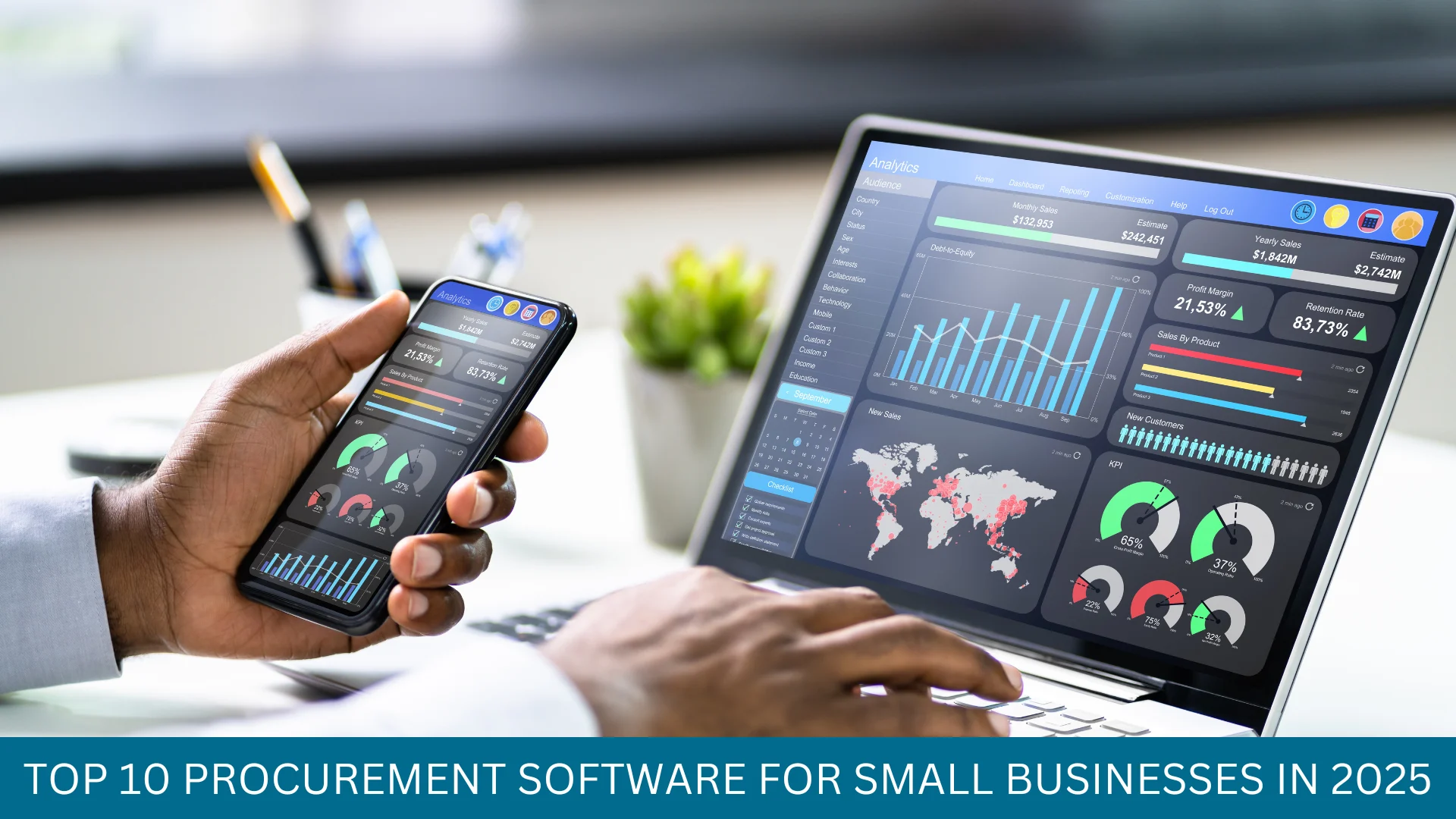
Manual procurement slows small teams, wastes budget, and creates invoice and contract headaches. Procurement automation software for small business can streamline purchasing, centralize supplier data, and free your team to focus on strategy instead of paperwork.
In this guide you’ll learn what procurement automation software is, why it matters, which tools lead the market, and how to choose the best procurement software for your business needs.
Introduction: what is procurement automation software for small business?
Procurement automation software is a software solution that automates procurement activities across the entire purchasing process — from purchase order creation, supplier management, and contract management to invoice matching and spend management.
For small businesses it replaces manual procurement steps with workflows and approvals, integrated procurement features, and cloud-based procurement to give visibility into procurement and accelerate the entire procurement cycle.
Why procurement automation matters for small businesses
Small businesses often lack resources for a full procurement team. The right procurement platform can centralize procurement, standardize procurement workflows, and reduce errors in buying, invoicing, and vendor management.
Automation reduces maverick spend, improves supplier negotiation leverage, and provides real-time reporting so procurement leaders can implement best practices and control budgets.
Best procurement automation tools for small business (with pros and cons)
Below are top procurement software solutions tailored to small businesses. Each entry shows core procurement features and tradeoffs.
1. Procurify
Pros: Intuitive purchasing workflow, strong purchase order and approval features, mobile app, good for centralized procurement and spend management.
Cons: Limited advanced contract management; integrations may require setup for accounting software.
2. Tipalti
Pros: Excellent supplier payments and invoice automation, strong AP integration, helps streamline purchasing to payment.
Cons: More AP-focused than full procurement lifecycle; price can scale with volume.
3. Coupa (for growing small businesses)
Pros: Comprehensive procurement management platform, good analytics, procurement and spend management features scale well.
Cons: Enterprise-level pricing and complexity; may be heavier than small businesses need initially.
4. JAGGAER
Pros: Strong supplier management, contract management software, and procurement workflows for compliance.
Cons: Configuration can be complex; best for businesses planning rapid procurement expansion.
5. SAP Ariba (cloud procurement option)
Pros: Integrated procurement and contract management, robust supplier ecosystem, end-to-end procurement solution.
Cons: Typically suited to larger organizations; may be costly for simple small-business needs.
Benefits of procurement automation software
- Streamline purchasing: faster purchase order creation and approvals.
- Centralized procurement: single source for suppliers, contracts, and invoices.
- Reduced manual procurement errors and duplicate invoices.
- Better spend management and visibility into procurement activity.
- Improved vendor management and supplier performance tracking.
- Compliance with procurement policies and audit trails.
Comparison table: top procurement platforms at a glance
| Platform | Best for | Key strengths | Pricing (overview) |
|---|---|---|---|
| Procurify | Small teams | POs, approvals, mobile, simple setup | Startups & small: monthly per user; custom plans |
| Tipalti | AP automation + supplier payments | Invoice processing, payments | Volume-based pricing; contact sales |
| Coupa | Growing small/medium | Comprehensive procurement & analytics | Enterprise pricing; tiered modules |
| JAGGAER | Compliance-heavy needs | Supplier & contract management | Module-based pricing; contact sales |
| SAP Ariba | Large-scale integrated procurement | End-to-end procurement ecosystem | Enterprise-level pricing |
Pricing overview
Procurement software pricing varies: cloud procurement and SaaS models typically charge per user, per module, or by transaction volume. Small businesses should look for predictable monthly pricing with low setup fees.
Entry-level plans often include purchase order automation, basic supplier management, and invoice workflows. More advanced procurement features like contract management software and full spend management may be add-ons.
How to choose the best procurement software for small business
Start by mapping your procurement process and pain points: Do you need better supplier management, invoice automation, or contract management?
Choose software that integrates with your accounting software, supports the purchasing workflow you use, and scales as your business grows. Consider cloud-based procurement and platforms with prebuilt integrations.
Checklist: choose the best procurement software
- Does it automate your purchasing process and reduce manual procurement steps?
- Can it integrate with existing accounting and ERP systems?
- Does it include purchase order, invoice, and contract features you need?
- Is the pricing predictable for small businesses?
- Does it provide visibility into procurement and spend management?
Expert insight
Procurement managers and procurement leaders recommend starting small: automate your most time-consuming procurement workflows first, like purchase orders and invoice matching.
Integrated procurement software that connects supplier management, contract management, and spend analytics delivers the fastest ROI. Focus on procurement features that enforce procurement policies and give visibility into the entire purchasing process.
Types of procurement software and where automation fits
There are lightweight purchasing software tools for small teams, mid-market procurement management platforms, and enterprise procurement suites. Procurement automation for small businesses often begins with cloud-based procurement tools that provide purchase order automation and supplier portals.
As needs grow, you can adopt integrated procurement software with advanced contract management, procurement and spend management, and procurement workflows that cover the entire procurement cycle.
Common procurement features to look for
- Purchase order creation and approvals
- Supplier management and onboarding
- Invoice matching and AP automation
- Contract management and lifecycle tracking
- Spend analytics and reporting
- Integrations with accounting software
FAQs
1. What is the difference between procurement software and purchasing software?
Procurement software covers the entire procurement process: sourcing, supplier management, contracts, purchase orders, and spend management. Purchasing software often focuses on the purchase order and requisition parts of the workflow.
2. Can small businesses afford procurement automation software?
Yes. Many cloud-based procurement platforms offer tiers for small businesses with affordable monthly plans. Consider total cost of ownership and potential savings from reduced manual work and improved spend control.
3. How long does it take to implement procurement software?
Implementation time varies. Simple purchasing software can be live in days; integrated procurement platforms with ERP connections and contract migration can take weeks to months.
4. Will procurement software replace procurement teams?
No. Procurement automation augments procurement teams by handling repetitive tasks and improving data. Teams then focus on vendor negotiation, strategy, and policy enforcement.
5. What integrations are most important?
Integrations with accounting software, ERP, and supplier portals are critical. Look for connectors to your existing systems to automate invoice reconciliation and improve visibility into procurement activity.
Conclusion and next steps (CTA)
Choosing procurement automation software for small business can transform the entire purchasing process, saving time and money while improving supplier management and compliance.
Start by evaluating your purchasing workflow, prioritize the features you need (POs, invoices, contracts), and trial the platforms above. For more details on procurement workflows and best practices see How to Manage Business Expenses Effectively (Step-by-Step) , Strategic Budgeting for Startups: Complete Guide , Financial Management Strategies Every Small Business Needs .
Ready to streamline purchasing? Request demos from 2–3 vendors, compare integration capabilities, and choose the procurement platform that fits your business needs.
Leave a Reply